
“`html
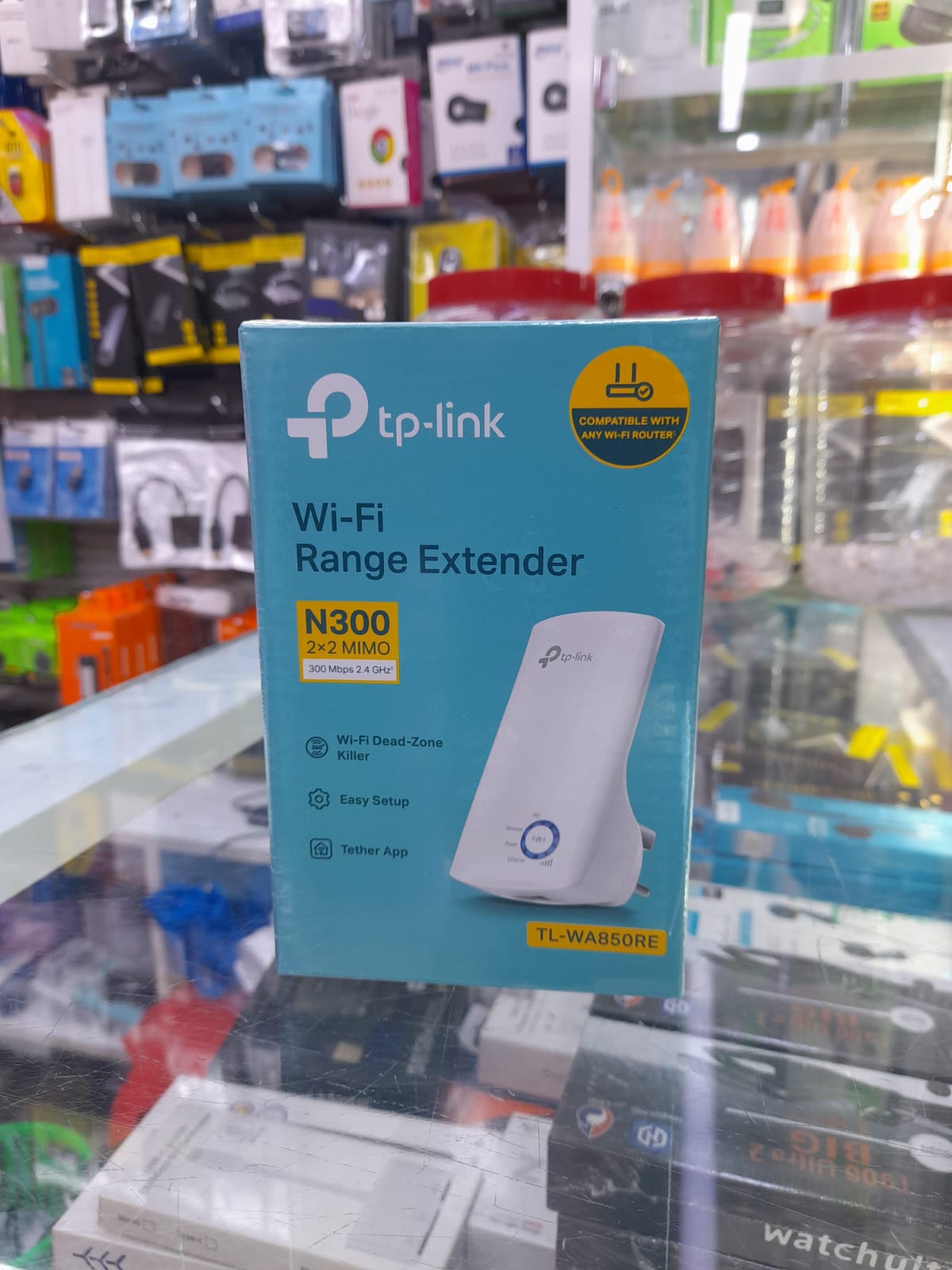
The TP‑Link N300 Wi‑Fi Extender is a compact plug‑in device that boosts and expands your existing network up to 300 Mbps. It eliminates dead zones and delivers reliable internet coverage throughout your home or office.
Key Features
- Supports speeds up to 300 Mbps (300 Mbps N Wireless Standard)
- Dual band operation: 2.4 GHz band for high‑speed coverage
- Easy plug‑and‑play installation via USB power
- Smart signal indicator light for optimal placement
- Backwards compatible with 802.11b/g/n routers
- Low power consumption – runs off standard USB outlet
- Compact design fits into tight spaces and cabinets
Why Choose the TP‑Link N300?
By extending your existing router’s range, the N300 eliminates connectivity dead spots, reduces buffering, and improves overall network reliability. Its plug‑and‑play design means you can set it up in minutes without the need for complicated configuration.
How to Install
- Plug the extender into a USB outlet near your router.
- Press the WPS button on the extender until the indicator light blinks.
- Press the WPS button on your router to pair the devices.
- When the indicator light stabilizes, the extender is ready to use.
FAQs
- What routers is it compatible with?
- Any router supporting 802.11b/g/n standards. For best performance, use a modern router with a 2.4 GHz band.
- Is a Wi‑Fi password required?
- No – the extender uses WPS to pair automatically. If WPS is disabled on your router, you can use the web setup interface.
- Can I use it in a multi‑floor home?
- Yes. Place it halfway between the router and the area with weak signal; it will act as a bridge, extending coverage to the next floor.
Buy Now
“`